

Custom APIsEpisode 14 6:01 12 chapters November 2026
Your First Custom API: From a Function to a Live Endpoint
A TypeScript function becomes a live API: no project to scaffold, no routes, no build, no deploy. Write Top Customers of Calm Home in one dialog, with every instance, database, table and column completed by the editor, save it, call it, and switch versions in a click.
In the playlists The complete course Custom APIs & code
Chapters
What you will learn
- The Custom API page, and settings as code
- Eight languages and their runtimes
- Code with completion for every table and column
- Docs next to the code
- Save is deploy: call it at once
- Versions, and back in a click
Transcript817 words · click a time to play from there
Intro
In API Maker, a TypeScript function becomes a live API. There is no project to set up, no routes, no build, and no deploy. In this video, we make the first custom API of Calm Home, from an empty dialog to a real call.
The first endpoint, the usual way
The first endpoint usually takes a lot of setup. You need a project, with its routes and its controllers. You need a driver for each database, and its connection strings. You need a Dockerfile and a pipeline. And the docs are written somewhere else. With API Maker, one dialog holds the settings, the code, and the docs. The g object reaches every database, with types. Click Save, and the API is live, with its docs next to its code.
In this video: the Custom API page, settings as code, languages and runtimes, code with completion, save and call, and versions.
The Custom API page
On the dashboard, open Custom API. Calm Home already has three. Open the menu, and click Expand All. You see a tree of folders, by path. Each API shows its method, its access, its versions, and its timeout.
Settings as code
Click Add. The dialog has three tabs: Basic Info, Code, and Docs. The settings are code too. The name is Top Customers, the path, the method GET, who can call it, a timeout of five seconds, and the list of its errors. They have types, so the editor completes every key.
Languages and runtimes
Open the Code tab. There are eight languages: TypeScript, Python, PHP, C sharp, Go, Rust, Java, and Kotlin. For TypeScript, you also pick a runtime: Node.js or Bun. Here, we use TypeScript on Node.js.
Code with completion
Top Customers reads the orders in MySQL, with their customer in PostgreSQL. The g object holds everything: the request, the response, and the databases. At instance, the editor lists the six instances of the account. Then their databases, and the tables of sales. In deep, it lists the columns of orders, and on an order, its fields, from the schema. The rest of the code groups the orders by customer, adds up what each one spent, and returns the top five.
The editor offered every name. Nothing was guessed. Now the Docs tab. We write one line on what it does, and its query parameter. The docs stay with the API, and API Testing shows them.
Save and call
Click Save. Top Customers is live. No build, and no restart. The page also has a grid view. It shows the method, the path, the language, the access, and a Docs mark on APIs that have docs. Test API opens it in API Testing, with the headers an application sends. Send. The first call takes longer, because it loads the new code. Send again. Now it is faster. In the table view, Priya Sharma, of Mumbai, is first.
And the Logs tab shows the line g.logger wrote: one hundred and thirty eight orders read.
Versions
You can change the code without breaking callers. Open the Code tab, and its versions. Make a new version, a minor one, named By order count. It is saved, next to Original. It ranks customers by their number of orders. Click Save Code, then Make Active. Callers get it right away. Now Hugo Bernard is first, with five orders. Was it a bad idea? Pick Original, and click Make Active.
Callers are back on the first version, with Priya Sharma first. Every version is kept, as a file of the account in Git.
How fast, how much
Go back to the Custom API page. After the APIs ran for a while, each one shows how it is doing. You see its average time. It is green while it is fast, and amber or red when its average, or its p95, is slow. You see its calls over the day, and the size of its answers. A folder adds up its APIs. One click opens the details of Top Customers.
And the grid view sorts by speed, with the slowest first. There is nothing to set up. It starts with the first call.
Good to know
Good to know. Token access asks for the token of an API user, or of a person. A public API asks for nothing. Video twenty four is about access. The timeout stops a call that runs too long. And the error list names the errors an API can answer. The next video shows it.
Built on standards
Every custom API has the same shape: settings, code, and docs. The g object is the same in every language. So the code looks the same, written by a person or by an AI assistant. And save is deploy. The same code runs on every server that pulls it.
Recap
To sum up. Settings, code, and docs, in one dialog. Eight languages, and the editor completes every table. Click Save, and the API is live. Versions switch in one click. Next: standard code, standard errors, and a bug fixed in seconds. API Maker. Build faster, spend smarter, deliver better.
Keep watching
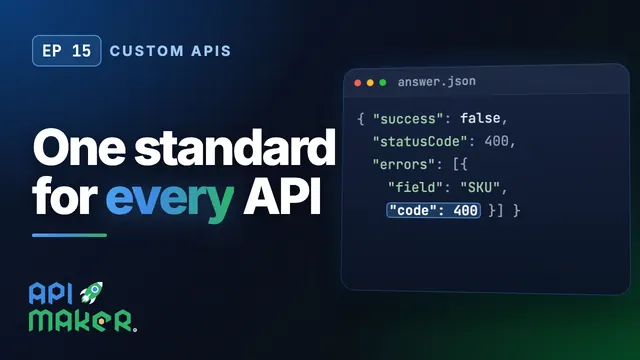 Length 9:41Custom APIs
Custom APIs on One Standard: Validation, Standard Errors, Fast Fixes
 Length 8:02Custom APIs
Custom API Gems: Uploads, Downloads, npm Packages, a Browser, Caching
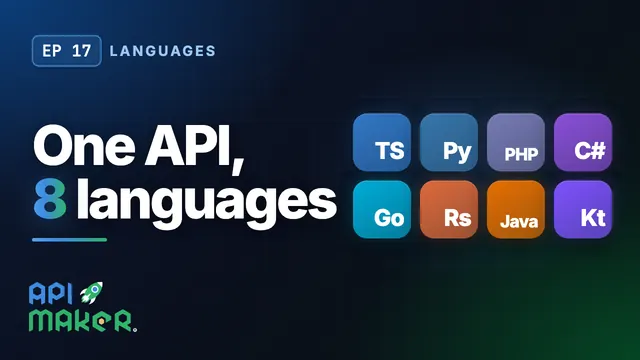 Length 5:28Languages
One API in 8 Languages: TypeScript, Python, PHP, C#, Go, Rust, Java, Kotlin
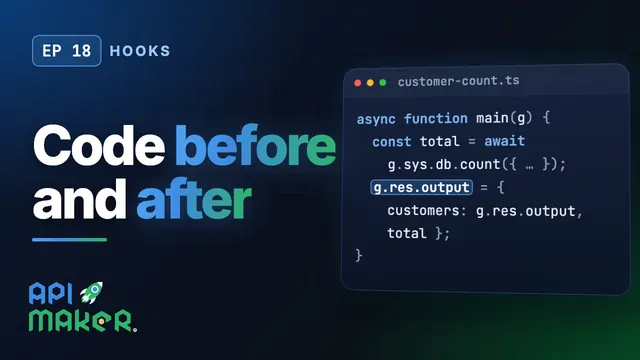 Length 7:15Hooks