

Generated APIsEpisode 6 5:25 12 chapters November 2026
Instant REST APIs for Every Table: A Tour of the Generated APIs
Every table answers REST APIs without a line of code: seventeen operations on MongoDB and fourteen on SQL, in two families, SCHEMA and GEN, with one envelope for success and error. Take the tour from the panel, from a terminal with curl, and in the Swagger docs of an application.
In the playlists The complete course Generated APIs
Chapters
What you will learn
- The APIs of a table: 17 on MongoDB, 14 on SQL
- SCHEMA APIs read the schema, GEN APIs leave it out
- One envelope for every answer, success or error
- The same calls from any client, with curl
- Swagger docs for each application
Transcript690 words · click a time to play from there
Intro
In API Maker, every table gets APIs, with no code. A MongoDB collection gets seventeen operations, and a SQL table gets fourteen. They come in two families, and they all answer in one shape. In this video, we tour them from the panel, from a terminal, and from Swagger.
APIs, the usual way
Usually, an API for a table means a lot of code. A controller, a service, and a repository, for every table. Each team shapes its answers in its own way. And someone writes the API docs by hand, late, and they get old. With API Maker, every operation of every table is already there. Every API answers in the same shape. And the Swagger docs are made from what each application is allowed to call.
In this video: the APIs of a table, the SCHEMA and GEN families, one answer shape, an error, a call from a terminal, and Swagger docs for one application.
The APIs of a table
Open Instance API. Pick mongodb, then catalog, then products. It has thirty four APIs. There are seventeen operations under SCHEMA: get all, get by ID, save, update, master save, count, distinct, aggregate, and more. And the same seventeen are under GEN. On SQL, in crm, the customers table has twenty eight, fourteen of each. Replace by ID, array operations, and aggregate are only for MongoDB.
SCHEMA and GEN
A SCHEMA API reads the schema of the table. It changes values to the right type, checks the rules, and follows the relations. A GEN API does not use the schema. What you send is what the database gets. They have the same operations and the same addresses, under slash api slash schema, or slash api slash gen.
One envelope
Let us call one. Open API Testing, pick products, and the SCHEMA API Get all. In find, we ask for a price of thirty five, written as text. In select, we ask for the name and the price. Send. Two products come back. The schema changed the text into a number. Around them is the answer shape: success, statusCode, and data.
The same call, schemaless
Now the same call on the GEN API Get all, with the same find. Send. Nothing comes back. The text stays text, and no price is saved as text. It is the same answer shape, with empty data.
An error
Now another database, PostgreSQL, and the customers table. We make a mistake: an ID which is not a number. The answer is four hundred. success is false, and errors has one entry for each problem, with its type, its field, and its message.
From any client
Any client can make the same call. It needs the address, and the token of an API user, in x-am-authorization. From a terminal, we get the same answer shape. Without the token, the answer is four hundred and one, again in the same shape.
Swagger docs
Now, API docs for one application. Open API User Permissions. Pick Support Desk, the application of video twenty four, and click Edit. Turn on Enable Swagger Docs, and make a random token. It becomes the end of an address only you know. Click Update. Now open Swagger UI, with that address, and click Explore. It shows exactly the three APIs its group allows. Get by ID is there, with its ID, ready to try.
Good to know
Good to know. Custom APIs and system APIs answer in the same shape. The status is also in the body: two hundred, two hundred and one for a save, four hundred, four oh one, four oh three, and five hundred. Groups decide which application can call which API. Video twenty four shows it. And the Swagger docs follow the groups. Change a group, and the docs change.
Built on standards
One answer shape, for every API of every table. Errors field by field, the same on every database. So a client, written by you or by an AI assistant, handles every API the same way.
Recap
To sum up. Every operation of every table, with no code. SCHEMA APIs read the schema, and GEN APIs do not. One answer shape, for success and for errors. Swagger docs for each application. Next: the read APIs, one query language for six databases. API Maker. Build faster, spend smarter, deliver better.
Keep watching
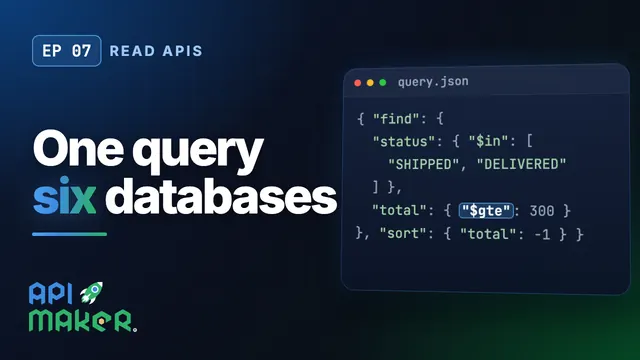 Length 6:35Read APIs
One Query Language for Six Databases: find, select, sort, aggregate
 Length 4:38Write APIs
Save, Update and Remove on Any Database with the Same API Calls
 Length 3:45Master save
Master Save: Write a Tree of Rows Across Databases in One Call
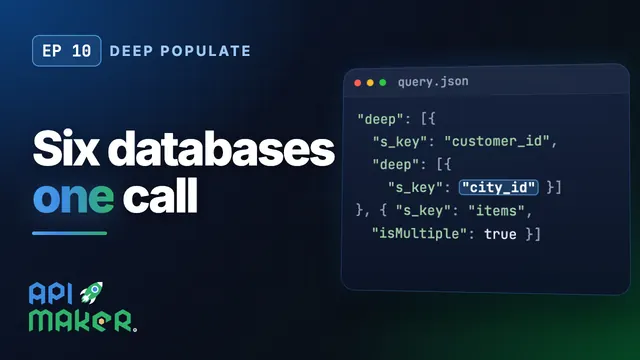 Length 9:25Deep populate