

Day twoEpisode 60 7:15 11 chapters October 2026
Launchpad Day Two: Upgrades, Health, Logs and Moving Data Between Servers
Day two with Launchpad: upgrades that say what they will do, the health of every server, a terminal, files and logs without SSH by hand, data moved between servers while it runs with every byte checked, data from your laptop to production in one file, and your Cloud settings sealed in one file.
In the playlists The complete course Launchpad
Chapters
What you will learn
- Versions: every change reviewed before it runs
- Health and statistics of every server
- A server: files, terminal and logs
- The data server, and moving with the data
- How the data is copied, and every byte checked
- Data from your laptop to production
- PM2 or systemd, uninstall or forget a server
- Your settings in one file
Transcript1055 words · click a time to play from there
Intro
Day two with Launchpad : upgrades that say what they will do, the health of every server, a terminal, files and logs without SSH by hand, data moved between servers, and data brought from your laptop to production.
Day two, the usual way
After the first deployment usually comes an upgrade nobody dares to start, a terminal open on every server to know how it is doing, a database to move, copied by hand while it still writes, and data from a laptop sent to production with a dump and a prayer. With Launchpad, every version change is reviewed before it runs, health, statistics, files, terminals and logs of every server in one window, a move copies the data while it runs, then the last changes, and the file of Local mode imports straight into production.
In this video : versions, health, a server, its files, its terminal and its logs, moving with the data, data from your laptop to production, PM2 or systemd, uninstalling or forgetting a server, and your settings in one file.
Versions
The Versions tab of production : everything it runs, with two versions, the one its servers run since the last deployment, and the one you want. A newer MongoDB : chosen here, nothing changes on the servers. It waits for the next deployment, the tab counts it, and the line says what the upgrade does. What can not be chosen is greyed, with the reason : no database goes back on its data.
PostgreSQL only moves inside its major version. Review changes opens the review : which version each service leaves for which, and what restarts. API Maker : installed next to the one that runs, then switched, one server at a time. A reverse proxy : its configuration checked with the new release first, then its container replaced. MongoDB : one major version at a time, one member at a time, and its feature compatibility version moved on afterwards.
A database the new version can not open : export it, add it again on that version, and import the file.
Health
Health checks every server : its disk, memory and load, its services, the replication, the network, the certificates, and the addresses of every reverse proxy, from this computer. Each check says what it found : API Maker run by systemd, its memory, its answer, and the databases it reaches on the data server.
A server
A server of the environment, app-1 : its statistics, live : processor, memory, disk, network, the containers and the service of API Maker. Its services : start, stop or restart each one. Its files : browse, open, edit in a code editor, upload and download. A terminal, in the window : systemd runs the API Maker program, the build of this server, with its appRoot, its env file and its memory.
Its logs, live : API Maker and its service, the reverse proxy, each database, Docker, the system. And its history : everything Launchpad did there. The data server. Its terminal : orders on PostgreSQL, API Maker's MongoDB and Redis, each healthy. Docker starts them again after a crash, and when the server boots.
Moving with the data
Move, on the page of a server : what it runs, with its data, to another server. orders, to app-1. The review : the data is copied while orders still runs, then orders stops, the last changes are copied, and it starts on app-1. The old copy stays on data, unless you choose to delete it, and the review gives the command that deletes it. Move. Done : the data copied from server to server, and the old copy kept, with its command.
Straight from server to server, with a key made for this copy only, that only lets rsync write into the data folder, removed right after. The first copy runs while the database serves. The last one, once it is stopped, compares every file by its content : a page rewritten in the same second, or an old copy the move goes back over, can not leave old data behind. When the servers can not reach each other, the data goes through this computer.
From your laptop to production
orders, in the architecture. Its panel has Export and Import : the file of Local mode, from and to the member that takes the writes, over SSH. Export : everything its server holds, written on this computer. Import reads such a file of this computer into it, the export of a database of Local mode too : first the plan, what it replaces, what it makes, the accounts, and what stays.
Replacing needs a yes. Imported, and the replicas of a cluster follow. Nothing stays on the server.
PM2 or systemd
Servers set up before Launchpad often run API Maker with PM2. Then a deployment asks first, server by server. Keep PM2 : PM2 starts API Maker again, with the settings of the environment, and keeps everything else it runs. Switch to systemd, recommended : systemd runs API Maker, and PM2 keeps the rest. When API Maker does not answer, PM2 runs it again, as before.
Uninstall or forget a server
A server you no longer need. Its page, and Remove what Launchpad installed : its services and the sandboxes of API Maker go, their data too if you choose, while Docker and every other container stay. app-1 is in the architecture of production : remove it there and deploy, and its services go. On the Servers page, Forget takes a server off this computer only : its address and its credentials.
app-2 is gone from the list ; the server itself is untouched.
Your settings in one file
Cloud settings : export the projects, the environments and the servers into one file, a backup, or the way to another computer. With the passwords, keys and license keys if you want, sealed by a passphrase. Importing reads such a file, and neither changes anything on the servers. A server added again, on another computer, is picked up with what it runs.
Recap
To sum up. Every version change reviewed before it runs. Health, statistics, files, terminals and logs in one window. Moves that copy the data while it runs, and check every byte at the end. Data from your laptop to production in one file. A server uninstalled, or only forgotten. And your Cloud settings, sealed in one file. That is the series on API Maker Launchpad. API Maker. Build faster. Spend smarter.
Deliver better.
Keep watching
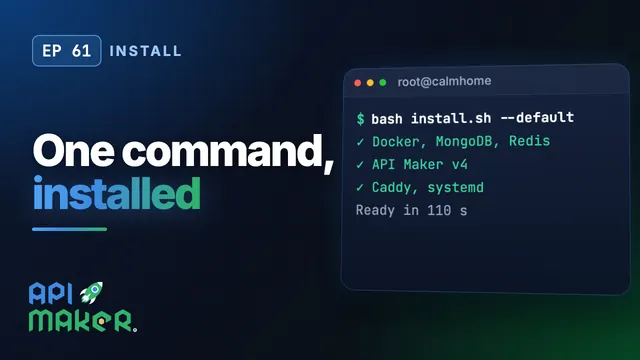 Length 8:06Install
Install API Maker v4 on Ubuntu with One Command
 Length 7:24Native APIs
Node.js, Python, Go and Java for Native APIs, Installed for You
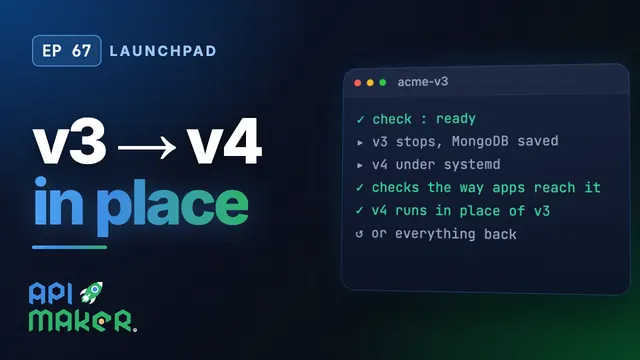 Length 6:28Upgrade from v3
Move an API Maker 3 Server to v4 in Place, with API Maker Launchpad
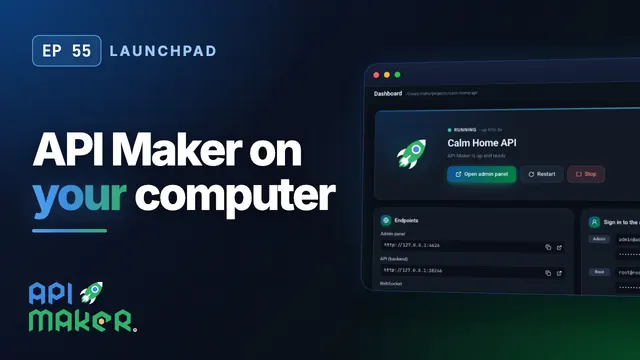 Length 8:57Launchpad