

Playlist · 9 videos · 59 min
Run API Maker in production
Installations, accounts and settings; analytics, logs and the Log Explorer; sandboxes and runtimes; upgrades of every server from one page; a new server in one command; many servers behind one address; and what changes when you move from API Maker 3.
The videos of this playlist
 5:501. Root & admins
Root User, Admin Accounts and Installation Settings Explained
One API Maker installation can serve many projects. The root user opens an admin account for each one and sets what every server of the installation runs with, from one page: Deployment Settings checked by every server first, where each value comes from, sealed exports and Security Settings.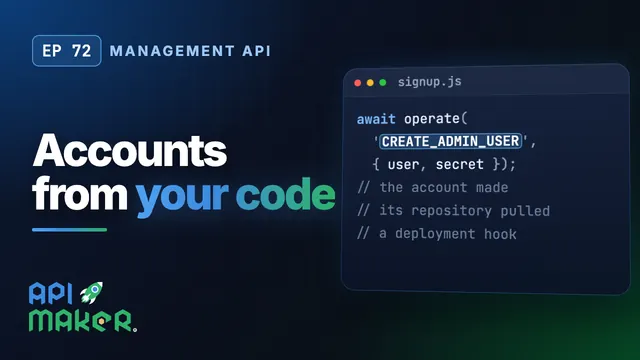 5:012. Management API
Create API Maker Accounts from Your Own Code: The Management API for SaaS
One call from your sign-up system makes an admin account of API Maker: its Git repository pulled, its secret saved and a deployment hook, with nobody in the panel. Turn the API on, make an account, change its owner and its secret, remove it, read every refusal, and keep the token safe.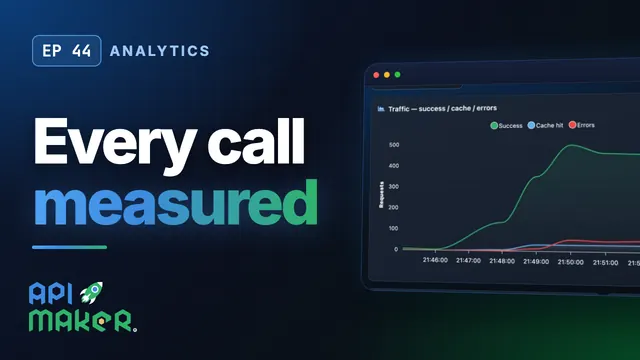 11:533. Analytics
API Analytics and Monitoring Built In: RED Metrics, p95, Apdex, Live
API Maker measures every call of every API, with nothing to install and no code to write. Read the RED numbers, percentiles and Apdex, follow an error down to the request that caused it, and watch your servers live: memory, disk, Docker, storage and process logs. 5:144. Logging
API Logging and the Log Explorer: Search Any Call, Follow Them Live
Every call of your APIs written down: who called, what was sent, what came back, and what the code printed. Choose what is logged with a log profile, search and filter, open the detail of a call, follow calls live, and clean up old logs. 5:205. Sandboxes
Sandboxes, Runtimes and Packages: Where Your Code Runs
Your code runs in eight languages, each in an image built with the packages it needs, apart from the server and from other accounts. Tour Sandbox Settings: Node.js or Bun, packages from PyPI, npm and NuGet, a Dockerfile of your own with guard rails, and where code runs: lean, sandbox or native. 6:076. Deploy
Upgrade Every Server from One Page: Deploy API Maker Safely
A new version of API Maker on every server of the installation, from one page of the panel. See how Deploy API Maker installs it from npm or from a bundle, checks its hashes and the program, goes back on its own with a watchdog when the new version does not start, and where Launchpad and the license of each server fit in.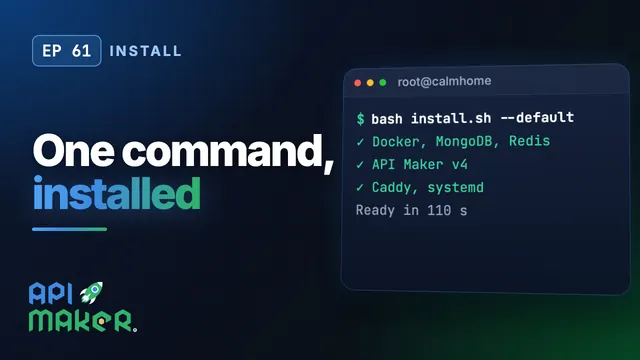 8:067. Install
Install API Maker v4 on Ubuntu with One Command
One command on a fresh Ubuntu server installs API Maker version four, its MongoDB and Redis, systemd to keep it running, and Caddy in front. A new server of Calm Home goes from nothing to its admin panel in under two minutes, then upgrades with the same command, keeps every version, and grows to more servers. 6:268. Scale out
Scale Out a Backend: Many API Maker Servers Behind One Load Balancer
Two API Maker servers on the same MongoDB and Redis, behind Caddy: any server answers any call, a save is live on every server at once, WebSocket clients are told whichever server holds them, each scheduler runs once, and a server which stops hands over its clients and schedulers. Shown live, with two servers. 5:319. Upgrade from v3
Upgrade from API Maker 3 to 4: What Changes in Your Code, Branch and Database
What moving from API Maker 3 to 4 means for a team: what version 4 is, what was removed and what takes its place, a Git branch written by API Maker 3 pulled as it is and written the version 4 way by its first commit, and a database of version 3 opened by version 4. The same data, and the same tokens.